Loading
Softkey
•Casablanca
حول
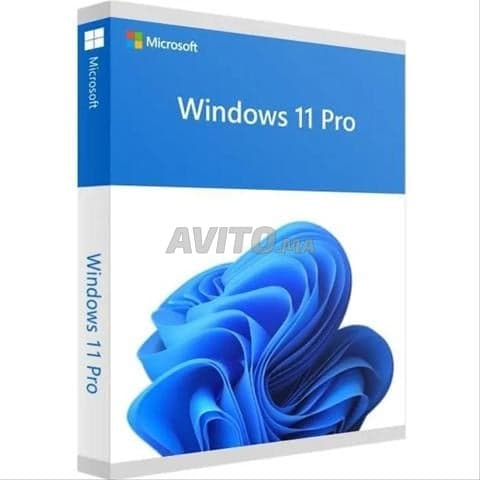
Lifetime license for Windows 11 Professional, NOT any other versions. Professional customer service is included with the highest quality support How to activate Windows 11 Professional Key? Download Windows 11 Pro from official website: Windows 11 Professional Install Win 11 Pro Click on « Start » Open « Settings » Click on « System ». Find a message from the right section: “Windows isn’t activated”, and click the Activate now button. Under the Change product key section and click « Change ». Type the activation code sent to you after purchase. Click « Next », Windows will begin the activation task.
معرض الأعمال
الموقع
الدار البيضاء, حي محمدي
يتنقل حتى 20 كم
منطقة الخدمة: 20 كم
معلومات سريعة
الأعمال المنجزة
0
عضو منذ
أبريل 2026
إرسال رسالة
بإرسال رسالة، أنت توافق على شروط الخدمة